
Before getting started, confirm that you have the following:
- a Custom Channels user account.
- the BluOS Controller app set up on your mobile device or computer and connected to your Bluesound hardware. Make sure your app is up to date as well.
Step 1: Select Custom Channels as a Music Service
This can be done by clicking 'Manage' on the left hand side of your BluOS controller app.
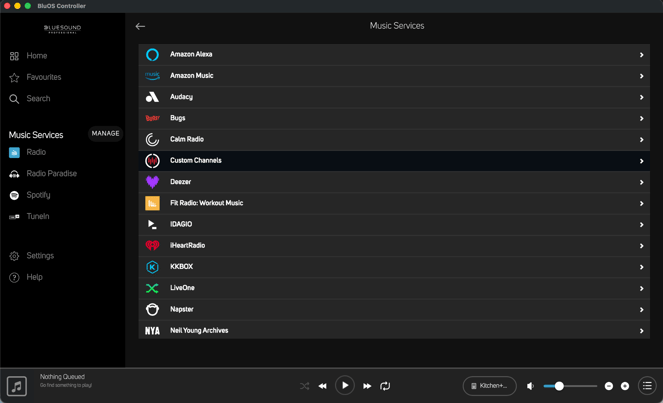
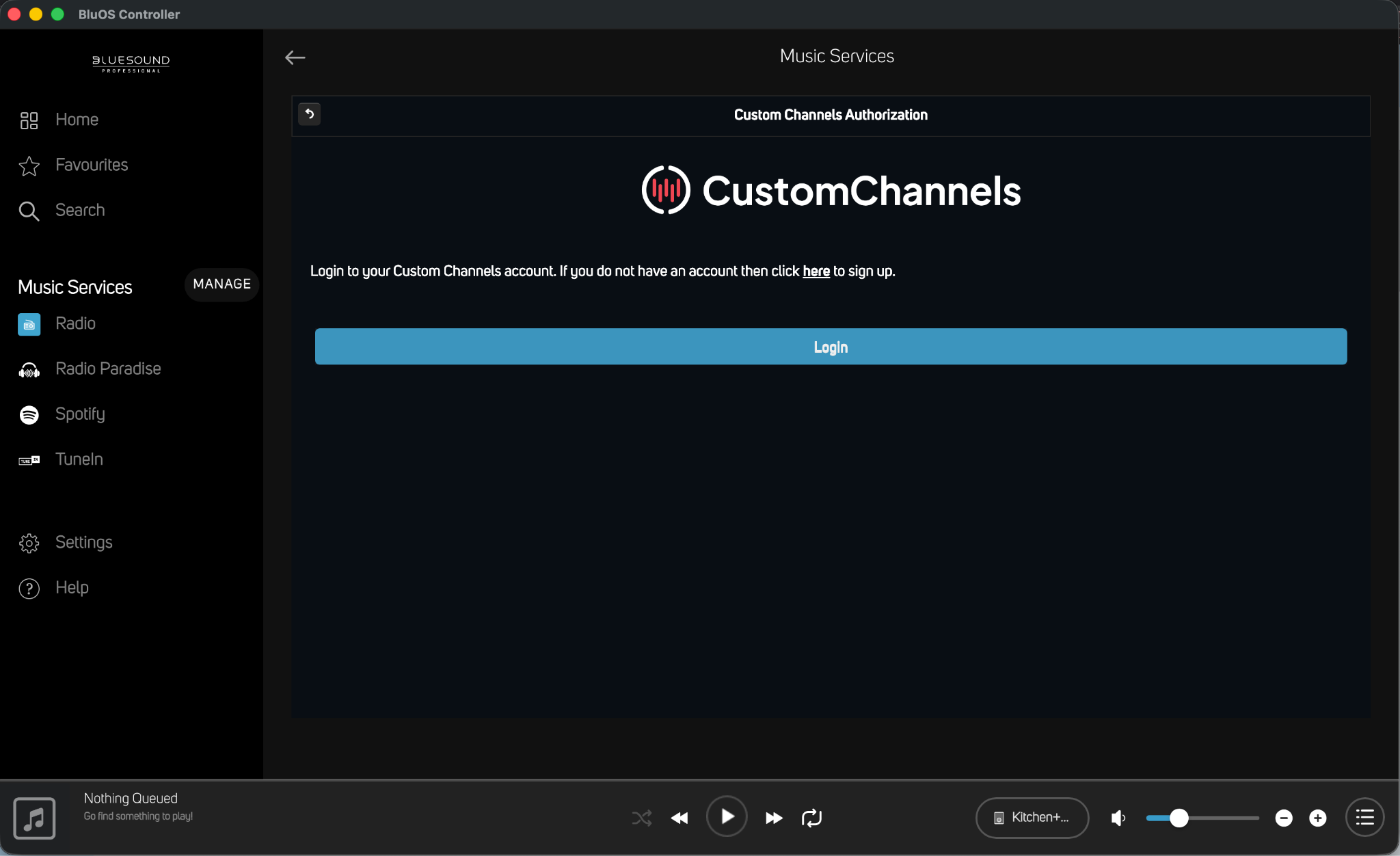
Step 2: Log in using your Custom Channels credentials
These are the same credentials you would use to access the Custom Channels dashboard.
Step 3: Select your Account, then select an existing location (or create a new one)
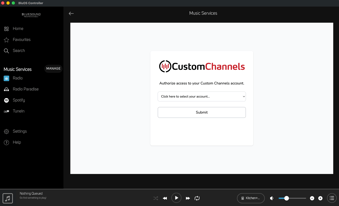
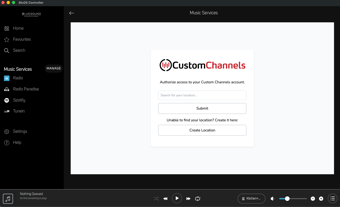
Your login is now complete!
For any questions about troubleshooting or streaming issues through the BluOS app, please reach out to support@customchannels.net.